
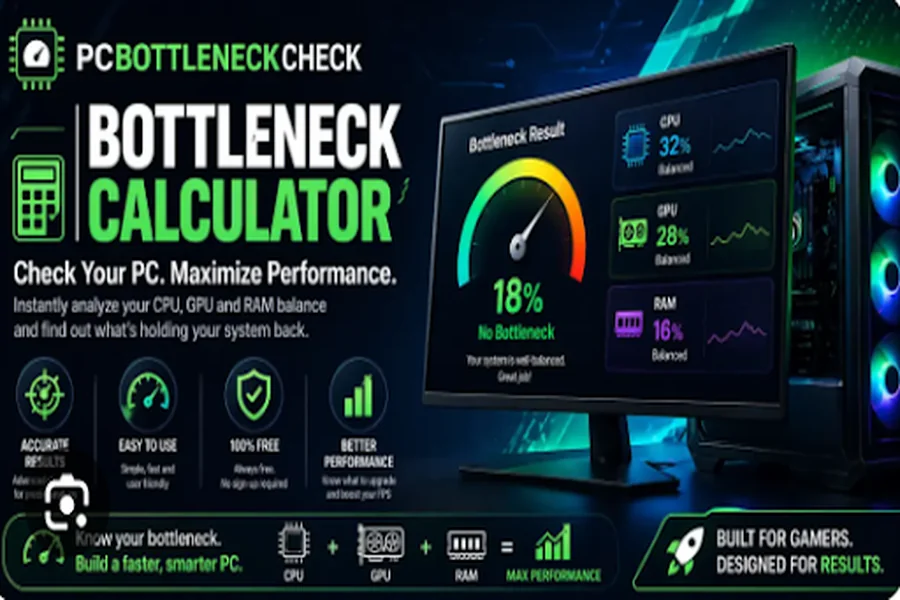
For gamers and PC enthusiasts, getting the best possible performance from a computer is often about more than simply buying expensive hardware. Understanding how different components work together can make a significant difference to gaming performance, system responsiveness, and overall user experience. This is where a reliable performance-focused app can become extremely useful. After exploring its features and practical uses, the app stands out as a convenient solution for users who want to understand their system and improve their gaming experience.
One of the most useful aspects of the app is its focus on performance analysis. Instead of relying entirely on guesswork, users can use different tools to get a clearer idea of how their hardware may perform under specific conditions. This can be especially helpful for gamers who are deciding whether a hardware upgrade is necessary or trying to identify potential performance limitations.
Understand Your Hardware Before Upgrading
One common problem among PC gamers is the uncertainty surrounding hardware upgrades. A new graphics card may offer excellent performance, but if another component cannot keep up, the user may not receive the expected benefits. The app makes this process easier by providing tools designed to help users understand the relationship between different hardware components.
A bottleneck calculator can be particularly useful in this situation. It helps users evaluate whether the CPU, GPU, or another component could potentially limit overall performance. While calculator results should not be treated as absolute benchmarks, they can provide a useful starting point when comparing hardware configurations.
This feature can save users both time and money. Rather than immediately purchasing a new component, users can first investigate whether their current setup is actually responsible for the performance problem.
Check Expected Gaming Performance
Another important consideration for gamers is frame rate. Higher and more stable frame rates can make games feel smoother and more responsive, particularly in competitive titles. The app’s performance-oriented tools can help users better understand what they might expect from their system.
An FPS calculator is helpful for estimating gaming performance based on hardware specifications and game requirements. It can be useful when researching a new game, comparing PC configurations, or deciding whether a system upgrade could provide meaningful improvements.
Of course, real-world FPS can vary depending on graphics settings, game optimization, resolution, drivers, background applications, and other factors. However, having an estimate gives users a useful reference point before they start changing their hardware or settings.
Test Your Reaction Speed
Performance is not only about the computer itself. For competitive gamers, human reaction speed can also influence gameplay. A fast and responsive system can only do so much if a player is slow to recognize and respond to an event on screen.
This is where a reaction time test can add another interesting dimension to the app. Users can test how quickly they respond to visual stimuli and use the results as a general indication of their reaction speed. Repeating the test under different conditions can also be a fun way to see whether concentration, fatigue, or practice affects performance.
For competitive gaming enthusiasts, this feature makes the app more than just a hardware-analysis utility. It combines system performance information with a simple way to evaluate an important aspect of player performance.
Simple and Useful for Different Types of Users
A major advantage of an app like this is its broad usefulness. Beginners can use the tools to learn more about PC performance, while experienced gamers can use them when comparing hardware configurations or investigating potential issues.
The tools are also useful for people planning to build a new gaming PC. Before purchasing expensive components, users can compare different configurations and get a better understanding of how their selected hardware may work together. This can help create a more balanced system rather than simply choosing the most powerful component available.
The interface and tools should ideally remain straightforward, because performance information can quickly become confusing for users who are unfamiliar with technical specifications. An app that presents its results clearly can make technical information much easier to understand.
Final Verdict
Overall, this app offers a practical collection of tools for gamers, PC builders, and anyone interested in understanding computer performance. Its combination of hardware analysis, FPS estimation, and reaction-speed testing gives users several useful ways to evaluate both their system and their own gaming performance.
The bottleneck calculator can help users identify potential hardware limitations, while the FPS calculator provides useful performance estimates before playing or upgrading. Meanwhile, the reaction time test adds a player-focused feature that makes the experience more engaging.
It is important to remember that calculator results are estimates rather than guarantees, and actual gaming performance can vary depending on many factors. Nevertheless, the app can serve as a useful starting point for making more informed decisions about hardware, gaming settings, and personal performance.
For gamers who want a convenient way to explore PC performance without getting overwhelmed by complicated technical information, this app is worth considering. Its practical tools, straightforward purpose, and combination of hardware and player-focused features make it a useful addition to a gaming enthusiast’s toolkit.